
eTravel Philippines 2026: Free Registration, 72-Hour Rule at QR Code Guide
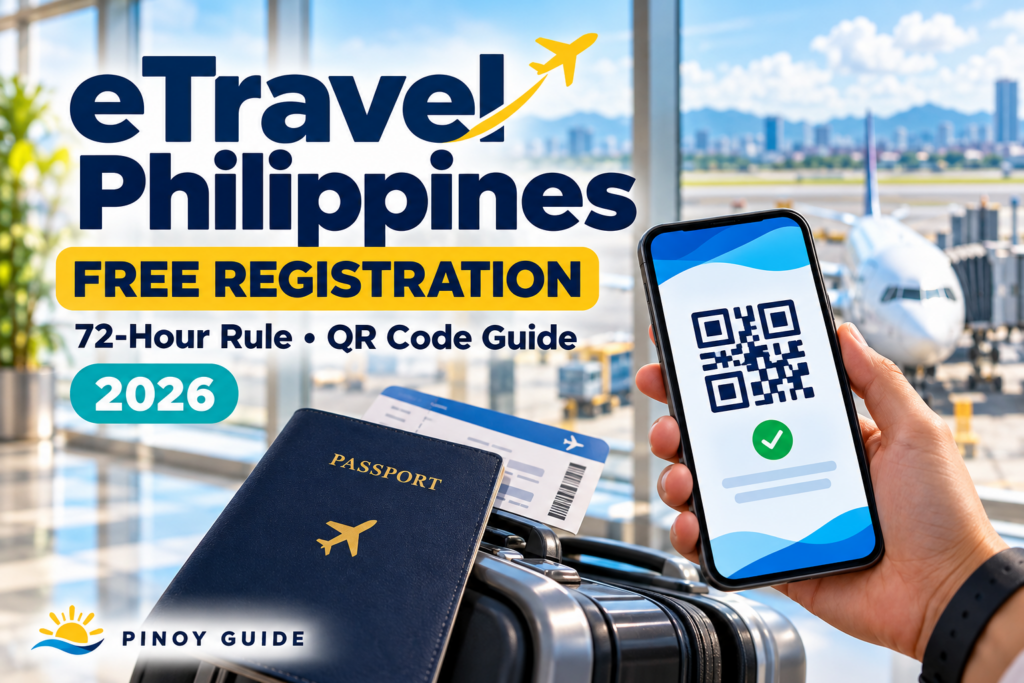
May international flight ka ba soon? Bukod sa passport at ticket, ihanda rin ang iyong eTravel registration bago bumiyahe.
Para hindi magmadali sa airport, narito ang gabay sa registration schedule, official website, at QR code.
Who Needs to Register?
For ordinary international passengers, these groups must register or update their eTravel information:
| Travel direction | Passengers covered |
|---|---|
| Arriving in the Philippines | Filipino and foreign passengers |
| Departing from the Philippines | Filipino passengers |
Arriving Filipino and foreign crew members are also covered. Special exemptions apply to specified diplomatic travelers, 9(e) visa holders, and diplomatic or official/service passport holders. Check the official FAQ if you belong to these categories.
When Should You Register?
Complete your registration within 72 hours before arrival in or departure from the Philippines. Ibig sabihin, sa loob ng tatlong araw bago ang Philippine arrival o departure mo.
Example: If your Manila departure is October 20 at 10 a.m., the window starts on October 17 at 10 a.m.
For a return flight, count backward from your scheduled arrival in the Philippines. Use the correct local time shown on your itinerary.
How to Register
Open https://etravel.gov.ph/ and select Sign In. Existing users can enter their email and password; new users can choose Create an account. The portal also links to the eGovPH app.
Practical preparation:
- Keep your passport and flight itinerary beside you.
- Follow the travel-registration prompts.
- Compare your entries with your actual documents.
- Review the information before submitting.
Mas madaling maiwasan ang typo kapag binabasa mo mismo ang passport at booking confirmation, sa halip na umasa sa memorya.
Save Your QR Code
After registration, download or screenshot your QR code. A printed copy is also allowed. Be ready to show it to the airline before boarding.
Upon Philippine arrival, a green QR code allows you to proceed to immigration inspection. A red QR code requires additional Bureau of Quarantine inspection first.
Travel tip: Save an offline copy in a folder you can find quickly. Charge your phone before leaving home and consider a printed backup.
Is eTravel Registration Free?
Yes—official eTravel registration is free.
The Bureau of Immigration warns against fake websites collecting supposed registration fees. Kung hinihingan ka ng card payment para sa eTravel registration, stop and check the address.
Type etravel.gov.ph directly into your browser. Avoid relying on sponsored search results or unsolicited messages. Suspected payment scams may be reported through the CICC reporting page.
What If You Make a Mistake or Travel Again?
Some information can still be edited before border authorities process and verify your record.
If you have registered before, update your travel details for each new trip. For a Filipino traveler’s Korea round trip, prepare the record for Philippine departure and update it again for the return arrival.
Final Reminder
Before leaving home, check three things: correct travel details, a saved QR code, and your airline’s document reminders.
Ilang minutong paghahanda ngayon ang makatutulong para hindi ka nagmamadali sa airport.
Prepare travel documents separately from eTravel. If your Philippine passport needs renewal, see our passport renewal checklist. Travelers applying for a Korean tourist visa can use the Korea visa requirements guide; an eTravel QR code does not replace a required visa.
Official Sources
Information checked: October 13, 2026.




Comments 0
Be the first to comment..